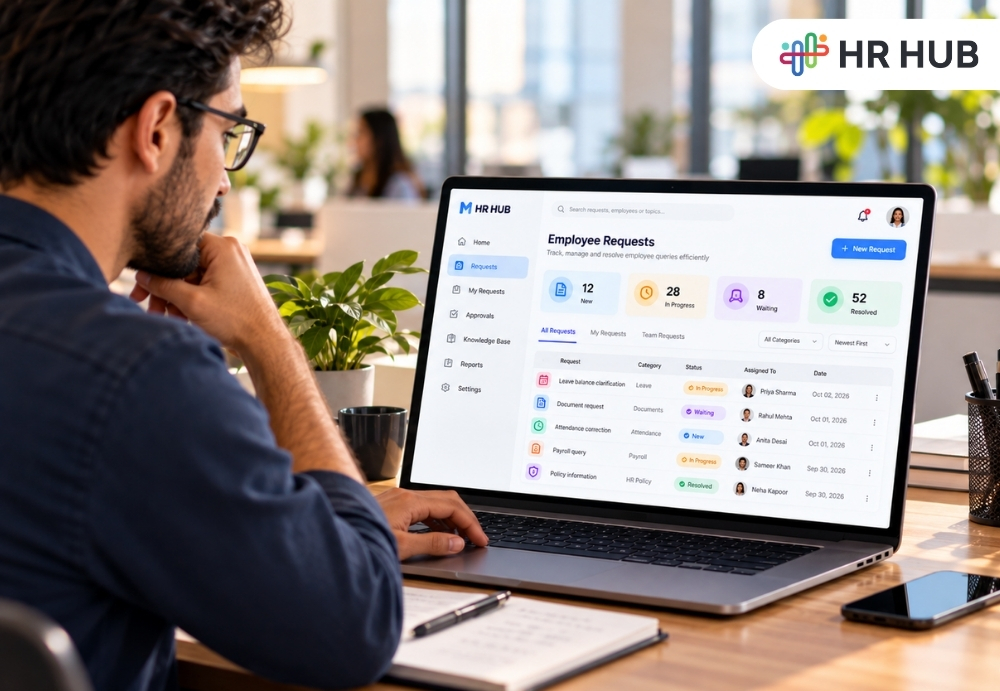
Employee requests are a normal part of working life.
Someone needs leave clarification. Another employee cannot find a document. A manager needs help with a policy question. Someone reports an attendance issue. Another person wants an update on a request submitted last week.
Volume is not always a real problem. The bigger issue is what happens after the request arrives.
If requests are spread across email, chat, spreadsheets, and verbal conversations, HR can struggle to answer basic questions: Who owns this? Has anyone responded? What information was provided? Is the employee still waiting? Was the issue resolved?
HR case management software gives HR teams a structured way to bring those requests into one trackable process. It can help organize employee cases, assign ownership, record communication, monitor status, and provide a clearer history from submission to resolution.
The result is not simply better administration. It can make employee support feel more predictable and transparent.
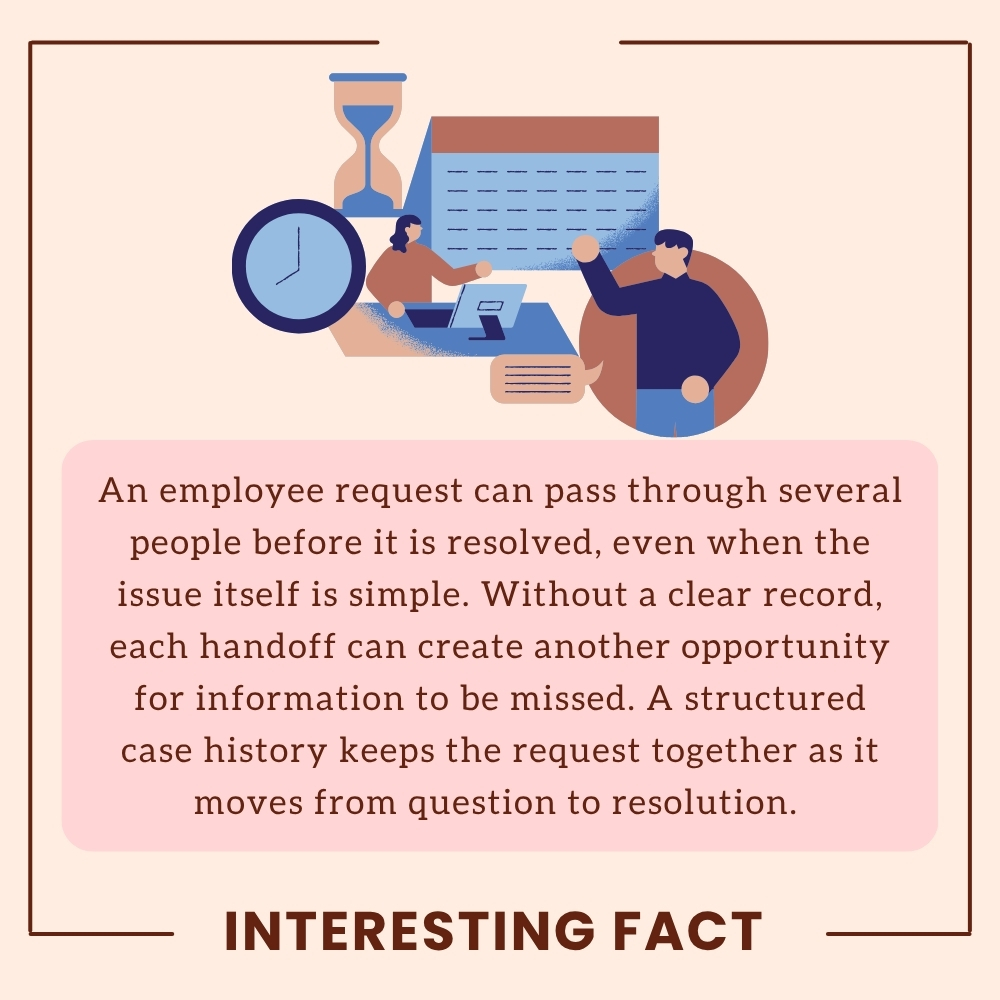
HR Teams Receive Many Requests, But Where Do They Go?
HR requests rarely arrive in a single format.
An employee might send an email, message a manager, raise a question through a portal, speak to HR directly, or ask a colleague to pass something along. Managers may also raise requests on behalf of their teams.
For a growing organization, this creates a visibility problem.
The HR team may know that requests are coming in, but that does not mean there is a reliable record of every request.
Employee case management software can give HR a central place to capture cases and organize them according to type, priority, status, employee, department, or assigned owner.
This changes the conversation from "I think someone is handling it" to "Here is the current status and owner."
That distinction matters.
A request about an attendance correction may require one person to review the record. A payroll question may need payroll input. A policy query may need HR review. A sensitive employee issue may require restricted access and careful handling.
An HR ticketing system can help route these different requests according to the organization's process rather than treating every message as another item in an inbox.
Why Email-Based HR Support Creates Visibility Problems
Email is useful, familiar, and easy to start with. The problem appears when it becomes the main system for employee support.
A request may begin with an email to HR, receive a reply, move into another email thread, and then require input from payroll or a manager.
Now the information is spread across conversations.
If the original HR team member is unavailable, someone else may need to search through the thread to understand what happened.
The employee may also send another message because they do not know whether their first request is being handled.
An HR ticketing system can change this by giving the request a defined status and ownership.
Instead of relying on the inbox to remember what needs attention, HR can see which cases are new, in progress, waiting for information, escalated, or resolved.
This does not mean email disappears. Email can still be a useful way to receive requests or communicate with employees. The difference is that the case becomes the record, rather than the inbox.
What HR Case Management Should Track
Good case management starts with visibility.
HR should be able to understand the basic story of a request without reconstructing it from separate messages.
HR case management software should ideally track several important details.
Request Details
What did the employee ask? When was it submitted? What category does it belong to?
Having this information recorded at the beginning gives HR context before someone starts working on the case.
Ownership
Who is responsible for the next action?
A request without an owner can remain visible but still go unresolved. Assigning responsibility gives the case a clear next step.
An HR ticketing system can make ownership visible even when a request needs input from multiple people.
Status
Is the case new, in progress, waiting for information, escalated, or resolved?
Clear statuses help HR understand workload and help employees know where their request stands.
Communication History
What has already been discussed? What information has the employee provided? Has HR requested anything else?
Employee case management software can keep these interactions attached to the relevant case so the conversation does not become scattered across different channels.
Priority and Escalation
Not every request needs the same response.
A routine document request and a sensitive employee concern should not necessarily follow the same path.
Employee issue tracking software can help organizations classify requests and apply the appropriate escalation process.
Resolution
What action was taken? When was the case closed? Was the employee informed?
A resolution record turns a conversation into a useful piece of organizational history.
How HR Case Management Software Improves Employee Support
The employee experience changes when support becomes easier to follow.
Consider two scenarios.
In the first, an employee sends an email and waits. They do not know who is handling it or when they will receive an answer. After several days, they sent another message.
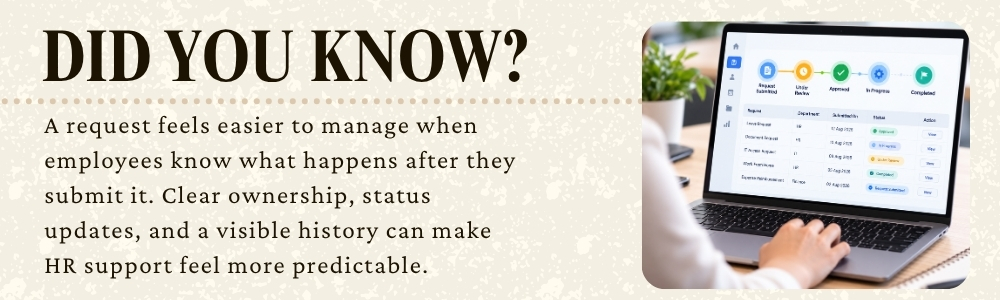
In the second, the employee submits a request, receives confirmation, can see its status, and knows when the case has been resolved.
The HR issue may be identical. The experience is different.
HR case management software can provide this structure by creating a defined path for employee requests.
It also helps HR teams manage their workload. Instead of repeatedly searching inboxes for unresolved messages, they can view open cases and determine which ones require attention.
For employees, that can create a stronger sense that their requests have been received and are being handled.
Trust does not come from a status label alone. It comes from consistent follow-throughs. A clear case record supports that consistency.
From Employee Request to Employee Issue Tracking
Not every employee request is a simple question.
Some cases may involve repeated attendance problems, document gaps, payroll discrepancies, policy concerns, or issues that require several actions before they can be closed.
This is where employee issue tracking software becomes useful.
The purpose is not to turn every HR interaction into a formal investigation. It is to make sure issues that require follow-up do not disappear after the first conversation.
HR can track the issue, record relevant actions, identify pending steps, and document the final outcome.
That history can also help HR recognize recurring patterns.
If similar questions appear repeatedly, the organization may discover that a policy is unclear, an HR form is difficult to use, or employees need better access to information.
Employee issue tracking software can make these patterns easier to identify because related cases can be categorized and reviewed rather than remaining hidden inside individual inboxes.
Employee Self-Service and Case Management Can Work Together
Not every question needs an HR representative.
Employees may be able to find answers through policies, FAQs, documents, employee profiles, or self-service tools.
But there will always be situations that require human support.
This is where employee self-service and case management can complement each other.
An employee can first look for the information they need. If they cannot resolve the issue, they can submit a request and enter the case process.
This creates a practical support path:
Self-service → Request → Assignment → Review → Resolution
Employee issue tracking software can then provide visibility when a request needs human attention.
The aim is not to prevent employees from contacting HR. It is to make sure that when they do need help, the request has somewhere reliable to go.
Escalation Without Losing the History
Some cases need more attention than others.
A request may remain unresolved because information is missing, another team needs to respond, or the issue requires management involvement.
An HR ticketing system can support escalation while keeping the original request history intact.
This is important because escalation should not mean starting over.
The next person should be able to understand what the employee asked, what has already been checked, what information was provided, and why the case was escalated.
That reduces repeated explanations and helps the employee experience feel more coordinated.
What Should Businesses Look for in HR Case Management Software?
When evaluating HR case management software, businesses should look beyond the ability to create tickets. Consider whether the platform can support:
- Employee request submission
- Case categorization
- Assignment and ownership
- Status tracking
- Internal notes
- Communication history
- Priority management
- Escalation
- Notifications
- Employee self-service
- Reporting
- Access controls
Employee case management software should also fit the organization's existing HR processes.
If employees must submit a request in one system, HR manages it in another, and the outcome is recorded somewhere else, the organization has simply moved the fragmentation rather than solving it.
A useful system should bring the request, people, actions, and history into a connected process.
Bringing More Order to Employee Support
Employee requests are part of everyday HR. The challenge is making sure those requests do not disappear into inboxes, chats, or disconnected follow-ups.
HR HUB brings employee requests, ticket management, workflows, escalation, notifications, and employee self-service into a connected HR environment.
With a structured request process, employees have a clearer way to ask for help, while HR teams can assign ownership, track progress, manage escalations, and maintain the history of each case.
The goal is simple: employees should know that their request has somewhere to go, and HR should know exactly where it stands.